Comfy with ComfyUI
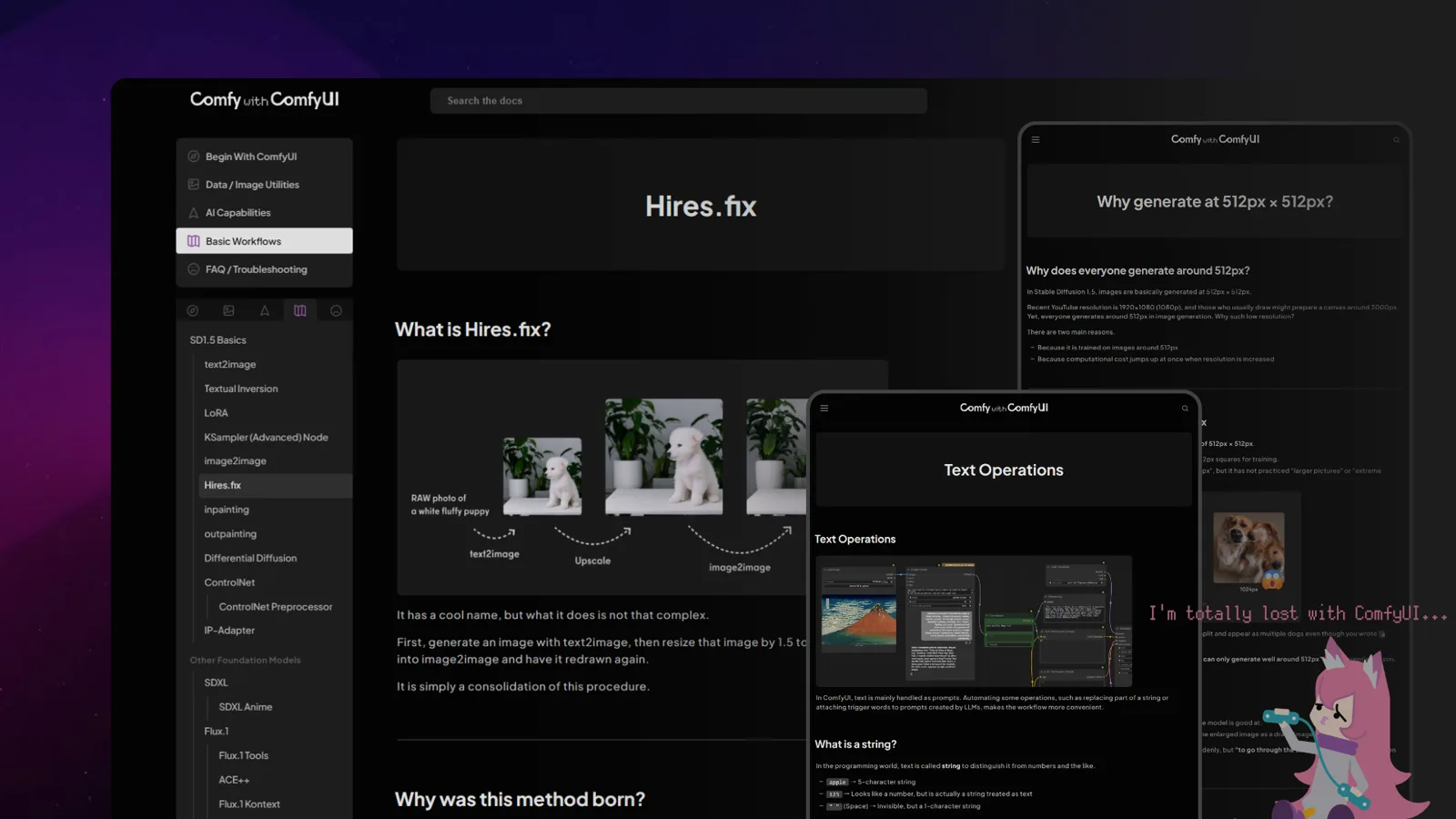
We run Comfy with ComfyUI, a guide site for ComfyUI. Rather than chasing how to use each model, it explains ComfyUI from the fundamentals shared by every model. It is published in three languages: Japanese, English and Chinese.
Only the basics, done carefully
There are plenty of ComfyUI articles and videos, and now there is an official manual as well. Yet when we started the site, there was surprisingly little that explained only the basics, step by step.
ComfyUI works in a simple way. The basic shape of text2image has not changed from older models to the latest ones. Applications like inpainting and ControlNet are built on top of that basic shape too. Rather than introducing a workflow that can do some particular thing, learning these basics one at a time lets you handle new models with the same way of thinking.
That is why every workflow on the site is minimal and simple. Features are not bundled together; each one is explained carefully so that understanding can grow one step at a time.
Beyond AI
Besides the nodes that run generation models, ComfyUI has nodes for resizing and cropping images, making masks, splitting video, and more. The site covers these non-AI parts as carefully as generation.
Read it, then try it
Almost every workflow we introduce is available as JSON. Copy it and paste it onto the ComfyUI canvas, and the workflow from the article is recreated as is, so you can try it as you read.